Receeto
An AI receipt scanner that runs 100% offline on your iPhone.
Built for people who track expenses but don't want to hand their financial life to yet another cloud app — freelancers, small-business owners, anyone tired of receipt scanners that demand an account before they'll do anything.
The hard problem: reliably pull merchant, amount, date and category out of a crumpled, badly-lit receipt — and do all of it on the phone, with no server to lean on.
Everything runs on-device. No backend, no account, no upload.
The obvious path is a server: ship the photo to an API, run a big model, return clean JSON. It's easier to build and easier to improve. I chose the opposite — every step, capture to extraction to storage, happens on the iPhone.
The tradeoff is real. I gave up server-side intelligence and the telemetry that would make extraction easier to tune, and I had to fit Vision + Core ML work inside the phone's budget. In return: nothing to breach, no infra bill that scales with users, and a privacy promise that isn't marketing — the data physically cannot leave the device. For a finance app, that promise *is* the product.
Extraction with no server to fall back on.
Cloud OCR can throw an enormous model and unlimited compute at a crumpled, badly-lit receipt. On-device I had a fixed memory and latency budget and one shot to pull merchant, amount, date and category correctly. The fix was a pipeline rather than a single model: Apple Vision handles text detection and recognition, then a lightweight on-device model classifies and structures the result — each stage cheap enough to run inside the phone's budget, and accurate enough that the combined output holds up on real-world receipts.
[ receipt photo ]
       ↓
Apple Vision   ·  on-device OCR
       ↓
Core ML model  ·  classify + structure
       ↓
{ merchant · amount · date · category }
       ↓
SwiftData      ·  local store on device
Capture → extraction → storage runs entirely on the iPhone. No account, nothing uploaded.
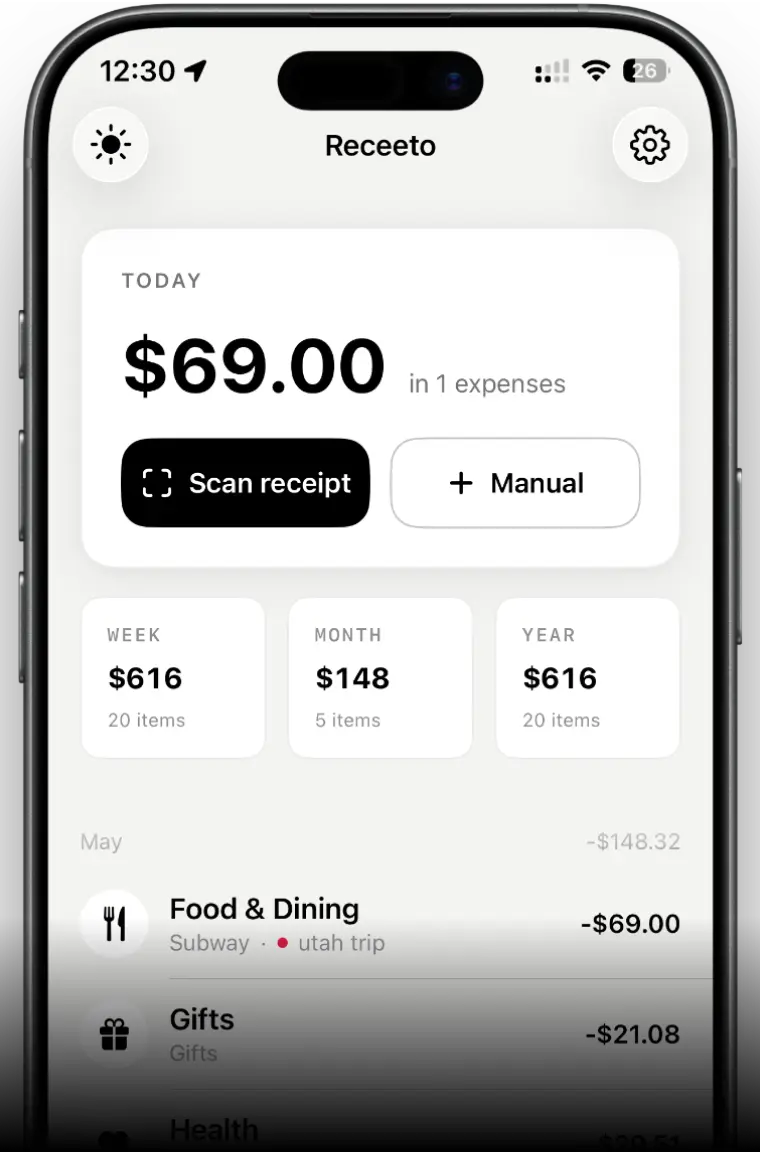
- Snap → extract
Photograph a receipt; Apple Vision + an on-device model pull merchant, amount, date and category in seconds.
- Categories & insights
14 expense categories with auto-mapping and spending analytics — all computed locally.
- Multi-currency
27 currencies with auto-detection and real-time conversion for travel and cross-border spend.
- Own your data
Export to CSV or ZIP anytime. No account, no sync, nothing ever uploaded.
The privacy-first bet landed with exactly the people it was built for. The reviews consistently call out the two things that drove the architecture: no sign-up, and nothing leaving the phone.
“Everything happens on-device, no account, no data leaving my phone. AI extraction is surprisingly accurate too.”— Jatin.Mukheja, App Store